
Remini Mod Apk vs GigaPixel AI: A Messier, More Honest Look at Photo Enhancement in 2026
A few months ago I stood in my kitchen holding a 16×20 print of my grandparents on their wedding day, a scan I’d nursed through three different AI tools. The faces were sharp but the suit fabric looked painted on. That print taught me more about Remini Mod APK and GigaPixel AI than any spec sheet. The real question isn’t “which one is better.” It’s “which one ruins the part of the photo you care about least.” And depending on the image, the answer flips.
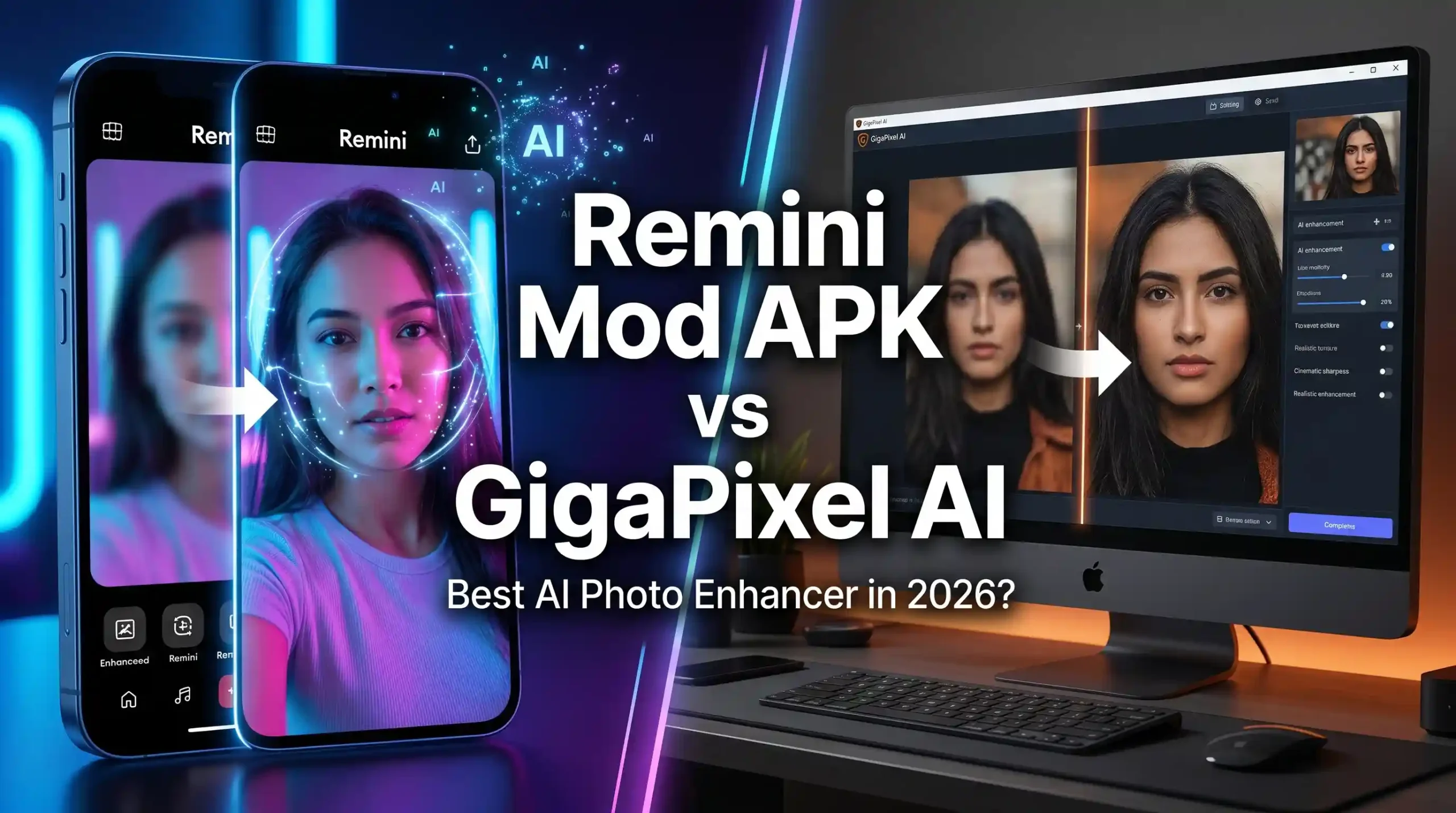
The Face-First Trap I Keep Falling Into
Remini’s face reconstruction has a gravitational pull. You feed it a blurry portrait and out comes something startlingly clear—catchlights, lip definition, skin that looks lit by a softbox. I’ve used it to rescue a photo of my dad holding a blurry baby (me), and suddenly I could see his knuckles and the exact shape of his grin. It’s tempting to use Remini for everything after a result like that.
But here’s what happens when you do: details that aren’t faces start to slip. Lace becomes melted wax. Gravel paths turn into smooth mud. On that same baby photo, the knit blanket behind me lost every stitch. GigaPixel AI, fed the exact same scan, kept the blanket texture perfectly but gave my dad’s face a harder, less forgiving sharpness—no softbox effect, just clarity. I realized I wasn’t comparing two enhancers; I was choosing which sacrifice to make.
How I Stopped Comparing and Started Blending
After ruining a few prints by over-relying on one tool, I landed on a workflow that feels less like a cage match and more like layering. I batch upscale everything in GigaPixel first. It respects fabric, foliage, grain, and text—the stuff that makes a photo feel real instead of rendered. Then I pull tight face crops into Remini, dial the enhancement to around 70%, and blend the faces back into the GigaPixel base in Photoshop or even the free web version of Remini’s overlay tool. The result doesn’t scream “AI-enhanced.” It just looks like a sharper, cleaner version of the memory. That hybrid process takes an extra five minutes per image, but the alternative is plastic skin or smeared backgrounds.
Group Photos: The Unfair Test
Group shots reveal the biggest gap between these tools. I scanned a 1990s staff photo—22 people, three rows, some faces smaller than a fingernail. Remini Mod Apk picked favorites. About six faces got the full glamour treatment; the rest stayed blurry or worse, gained a waxy mask-like look. GigaPixel treated everyone equally. The whole group sharpened to a consistent level, not flashy, but honest. For that reunion booklet, GigaPixel was the clear choice. Then I went back and cropped each face individually, ran them through Remini’s mobile app, and patched them in. Obsessive? Maybe. But the final print looked like it was taken on a much better camera, no favorites.
When Texture Matters More Than Faces
Product photography taught me to flip my default setting. Last year I shot jewelry for a friend’s small shop—inexpensive setup, decent resolution but not enough for zoomed-in detail on silver filigree. I upscaled the images with GigaPixel, and the metalwork stayed crisp without invented highlights. Remini added a weird glow around the edges that made the silver look like CGI. Same thing happened with a landscape of pine trees: GigaPixel kept the needles needle-like; Remini turned them into green fuzz. If your image’s emotional weight comes from surface detail—tree bark, woven fabric, peeling paint—GigaPixel is the foundation you want.
The Unspoken Style Choices
Remini has a look. It’s slightly warm, slightly contrasty, and definitely smooth. If you’re posting a quick profile picture or a story, that baked-in style saves time. But when I prepped an engagement shoot that was already graded in moody, desaturated tones, the Remini-enhanced shots stuck out like sore thumbs. I had to pull vibrance down and reintroduce grain to get them to match. GigaPixel, by comparison, is a quiet upscaler. It leaves your color grade alone. The file you get back feels like a raw that’s just… bigger. For anyone who loves a good edit session, that neutrality is gold. For someone who wants a one-tap fix, Remini’s style is the faster lane.
Specific Things That Go Wrong (And How to Dodge Them)
After processing hundreds of images, I’ve learned to watch for:
- Text and signage: Remini can hallucinate letters. “Bakery” might become “Bakety.” GigaPixel reads text more faithfully.
- Patterned clothing: Plaid, stripes, and herringbone can warp in Remini. GigaPixel usually keeps the repeat intact.
- Black-and-white prints: Remini sometimes adds a subtle warmth even without colorization. GigaPixel stays true to the grayscale, which matters for archival use.
- Pet fur and whiskers: Remini over-defines whiskers, giving cats a cartoonish look. GigaPixel preserves the softness, though eyes might lack that sharp sparkle.
- Overshooting resolution: Pushing GigaPixel beyond 4x can introduce slight grid artifacts in smooth skies; Remini pushed to maximum face enhancement invents eyelashes that look drawn on. Back off the sliders and the problem vanishes.
The Decision Framework That Saves Me Time
I’ve stopped asking “Remini Mod Apk vs GigaPixel AI” as a binary question. Now I ask: What’s the hero subject? If 70% of the frame is a face, I start with Remini, then check the surroundings. If I see fabric, text, or nature, I switch to GigaPixel for the base and layer Remini faces if needed. For prints larger than 11×14, GigaPixel handles the upscale, period. For screen-only use, Remini’s speed often wins.
A practical tip: keep a small folder of your own test images—one portrait, one group shot, one landscape, one product photo. Run them through both tools when a new version drops. That 10-minute check tells you more than any review because you know exactly how your own eye reacts to the output.
What Nobody Tells You About Mobile vs. Desktop
Remini’s web version has gotten better, but the mobile app still processes faster and feels more responsive. GigaPixel lives on your laptop and needs a decent GPU to breathe. If I’m editing 50 photos on a Tuesday night, GigaPixel’s batch queue is a lifesaver—set it, walk away, make tea. If I’m backstage at an event with five minutes to turn a dimly lit phone snap into a usable headshot, Remini Mod Apk on my phone is the only tool that makes sense. Understanding the rhythm of your own editing life matters as much as the tech itself.
FAQ
Is Remini Mod APK better than GigaPixel AI for restoring old family photos?
For heavily blurred faces, yes—Remini’s face reconstruction is more dramatic. But for overall scene texture, upscale with GigaPixel first, then enhance faces separately with Remini.
Can GigaPixel AI improve face details like Remini?
It sharpens faces without adding the polished, airbrushed effect Remini tends to apply. Faces look natural and clear, but not retouched.
Which tool is easier for beginners?
Remini’s mobile app requires just a tap. GigaPixel has more settings and models, so it takes a few test runs to get comfortable.
Does Remini work on desktop?
Yes, through a web version. The mobile app remains the smoothest experience. GigaPixel is desktop-only.
Are there free alternatives to Remini and GigaPixel AI?
Open-source upscalers like Upscayl exist but lack refined face recovery and texture handling. Both Remini and GigaPixel offer trial versions with limitations.
How does Remini Mod Apk vs GigaPixel AI handle group photos with many faces?
Remini may enhance some faces more than others, creating inconsistency. GigaPixel applies even sharpening across the entire image. A hybrid approach yields the best results.